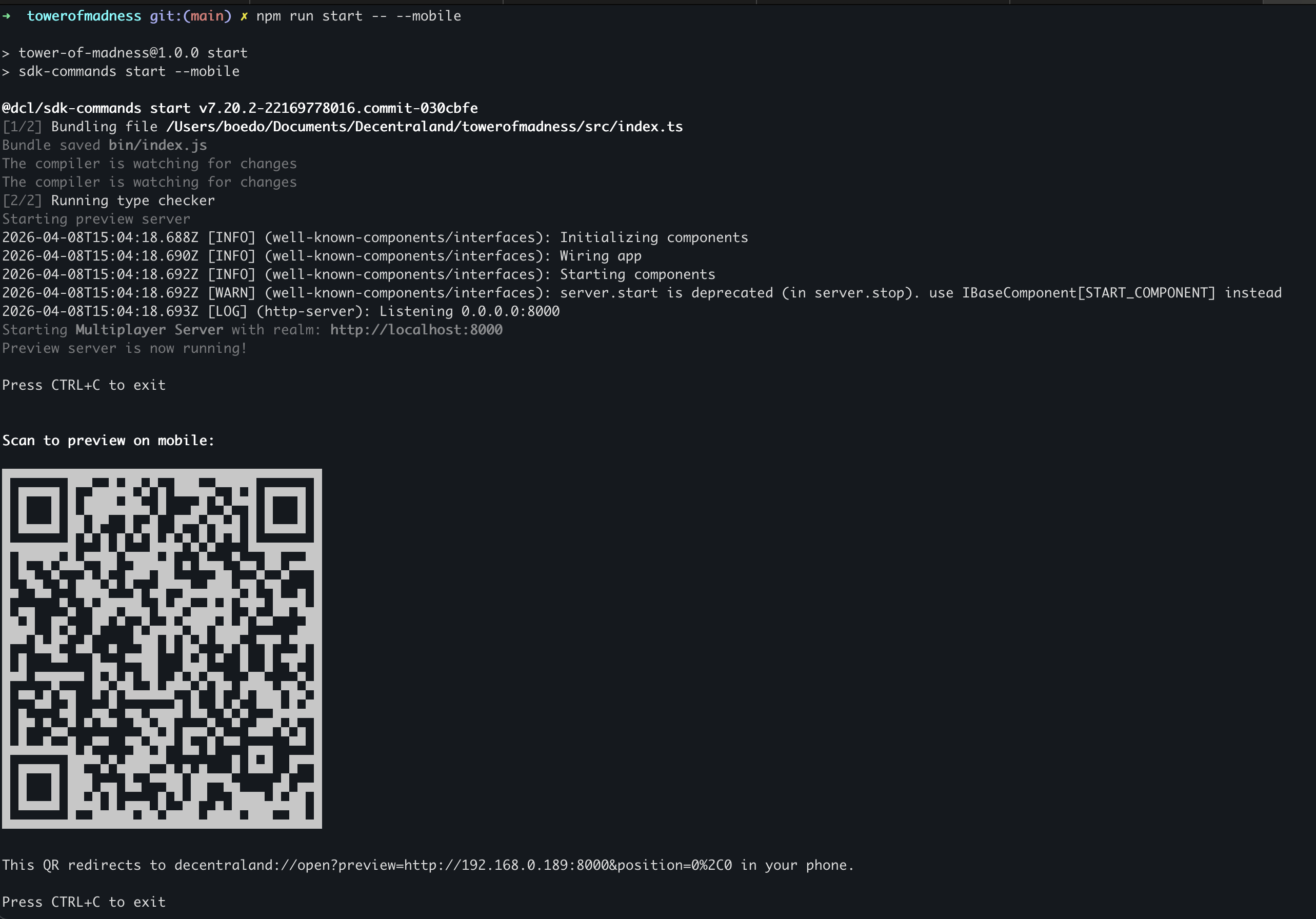
由……打印的二维码 npm run start -- --mobile。用手机扫描它即可在 Decentraland 手机应用中打开场景。
{% hint style="info" %}
**💡 提示**:当你传入 `--mobile`,桌面版浏览器不会同时启动。如果你想同时在两者上测试,请运行 `npm run start` 在一个终端中运行桌面版,并在 `npm run start -- --mobile` 另一个终端中运行移动版。
{% endhint %}
## 热重载
与桌面预览一样,当你更改场景文件时,移动预览会自动重新加载。你不需要在每次编辑后重新扫描二维码。
## 故障排除
* **二维码无法打开应用** ——确保已安装 Decentraland 应用,并且你已经在该设备上至少打开过一次。
* **手机无法连接到预览服务器** ——确认手机和开发机器处于同一个 Wi‑Fi 网络。有些企业网络会隔离客户端;如果是这种情况,请使用个人热点或其他网络。
* **场景在手机上加载了,但看起来与桌面版不同** ——这是预期情况。把这当作验证以下内容的时机: [安全区域](/creator/content-creator-zh/mian-xiang-yi-dong-duan-gou-jian/kai-fa/safe-area.md), [UI 尺寸](/creator/content-creator-zh/mian-xiang-yi-dong-duan-gou-jian/kai-fa/ui-best-practices.md#sizing)、以及 [输入绑定](/creator/content-creator-zh/mian-xiang-yi-dong-duan-gou-jian/kai-fa/input-on-mobile.md).
## 相关
* [预览你的场景](/creator/content-creator-zh/chang-jing-sdk7/ru-men/preview-scene.md)
* [使用 CLI](/creator/content-creator-zh/chang-jing-sdk7/ru-men/using-the-cli.md)
* [在移动端 Discover 中获得推荐](/creator/content-creator-zh/mian-xiang-yi-dong-duan-gou-jian/fa-bu/get-featured.md)
---
# Agent Instructions
This documentation is published with GitBook. GitBook is the documentation platform designed so that both humans and AI agents can read, navigate, and reason over technical content effectively. Learn more at gitbook.com.
## Querying This Documentation
If you need additional information that is not directly available in this page, you can query the documentation by asking a question.
Perform an HTTP GET request on the following URL with the `ask` and `goal` query parameters:
```
GET https://docs.decentraland.org/creator/content-creator-zh/mian-xiang-yi-dong-duan-gou-jian/kai-fa/preview-on-mobile.md?ask=&goal=
```
`ask` is the immediate question: it should be specific, self-contained, and written in natural language.
`goal` is what the user is ultimately trying to achieve, the reason they need the answer. Sharing it helps GitBook give you a better, more relevant answer. A goal is most helpful when it describes the outcome the user wants rather than restating the question. For example, with `ask=how do I create an API token`, a goal like `automate deployments from our CI pipeline` lets GitBook tailor the answer to that use case.
The response will contain a direct answer to the question and relevant excerpts and sources from the documentation.
Use this mechanism when the answer is not explicitly present in the current page, you need clarification or additional context, or you want to retrieve related documentation sections.